smartlockmarket.com

Hotel vs Fingerprint Locks: Project Guide
Hotel card locks and fingerprint locks both open doors without traditional keys—but they are built for different guest journeys. Pick the wrong model and you will feel it in check-in speed, maintenance tickets, and guest complaints.
Distributors and project buyers often treat “smart lock” as one category. In practice, hotel electronic locks and fingerprint locks solve different access problems: one is optimized for short-stay turnover and front-desk control; the other is optimized for recurring users who want hands-free convenience every day.
Below is a practical side-by-side for hotels, serviced apartments, offices, and mixed-use projects—so you can match the lock to the real workflow, not the brochure feature list.
8
1. How Hotel Smart Locks Work
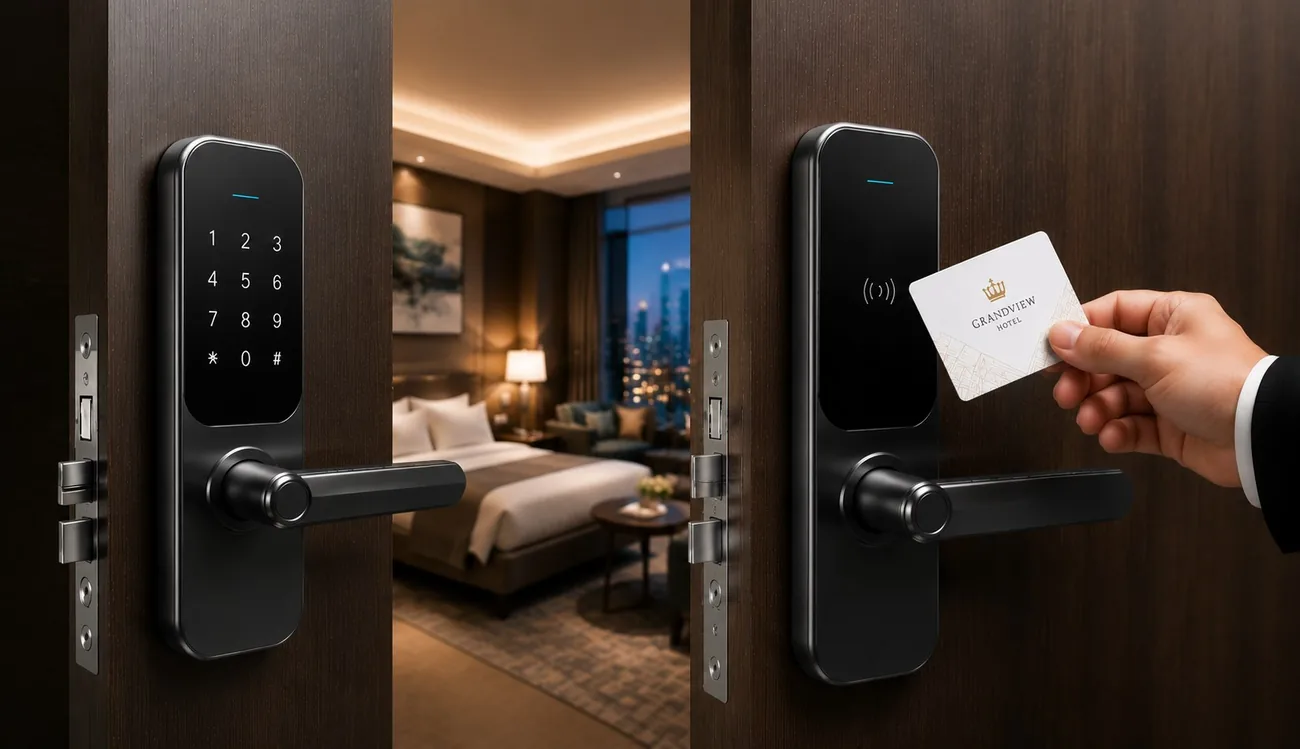
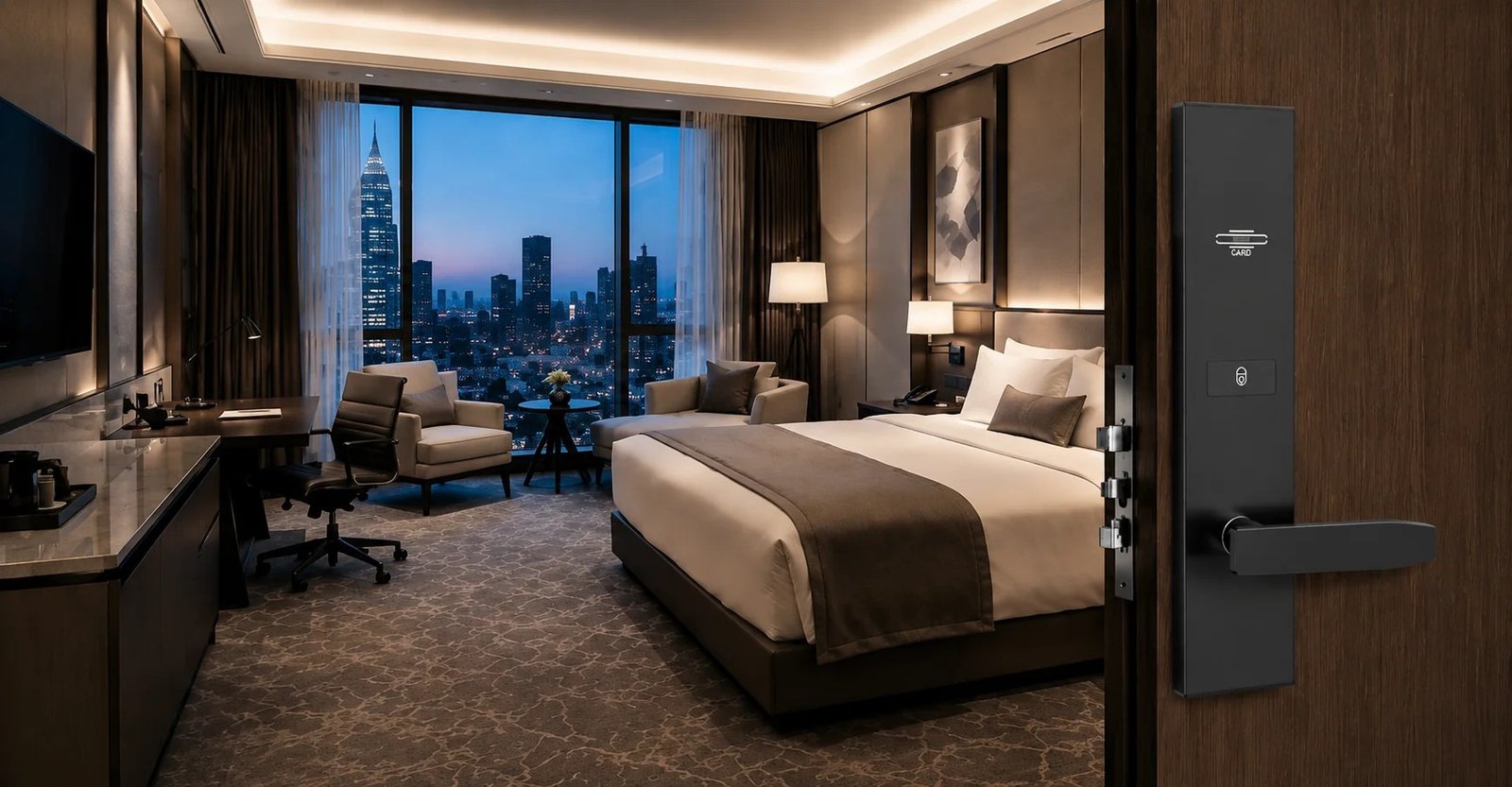
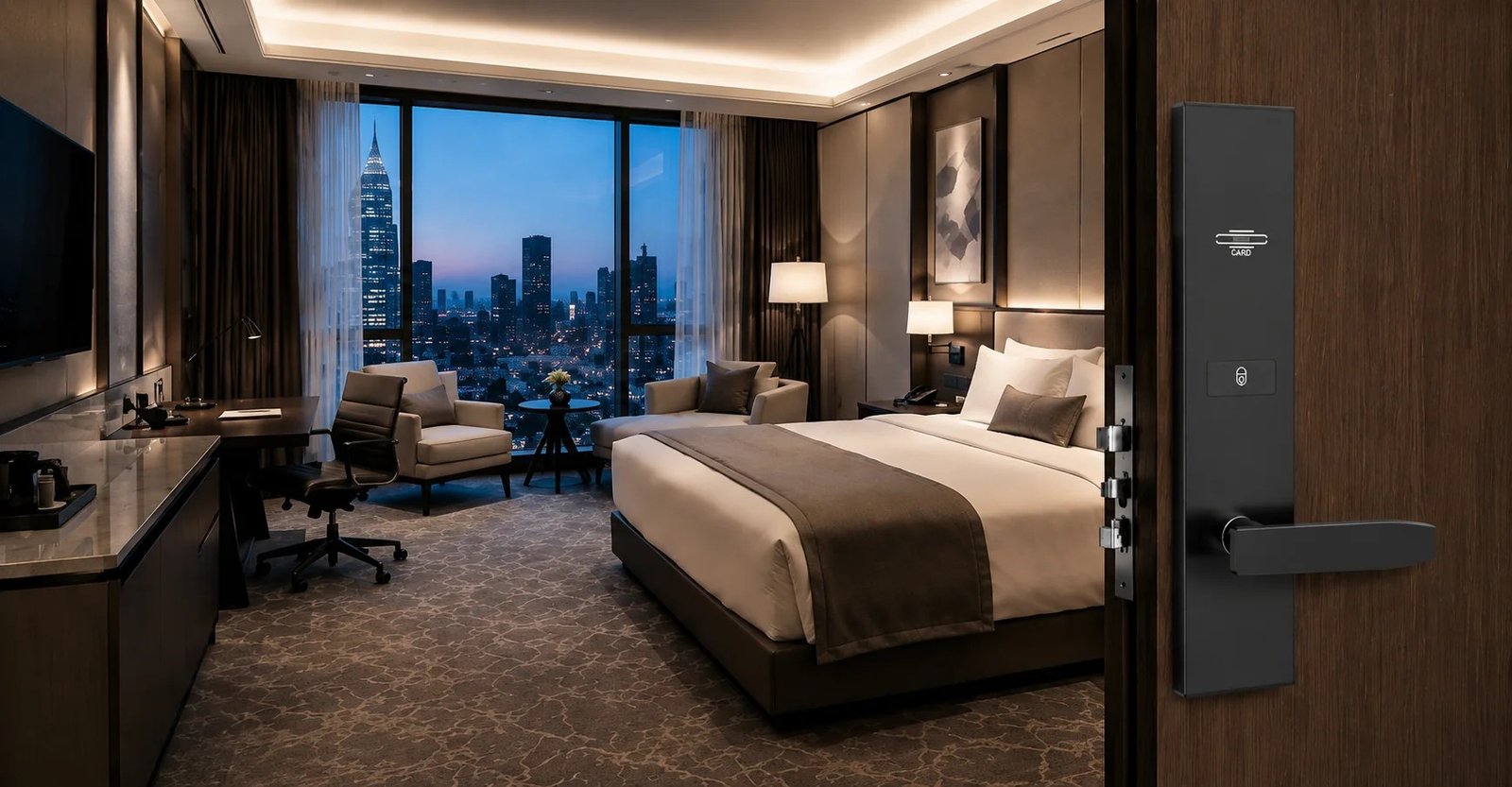
Most hotel electronic locks use RFID/IC cards (or passwords) issued at the front desk. Guest credentials are time-limited and expire after checkout; staff keep master, floor, or emergency access. That design makes turnover fast and audit trails clearer when rooms change hands every day.
A typical hotel workflow looks like this: guest checks in → front desk encodes a card (or sends a code) with room number and stay window → guest taps or enters the credential → checkout voids or expires access. Housekeeping and engineering use separate staff cards so you can revoke one role without touching guest credentials.
Many hotel systems also support hybrid unlock—card + password, or card + mechanical key override—so the property is not stuck if a card is demagnetized or batteries run low overnight.
- Best for: short-stay rooms with frequent credential changes
- Ops dependency: front-desk software, encoder, and card stock
- Common unlock mix: RFID card + mechanical key override
- Strength: fast revoke, familiar guest habit, clear staff hierarchy
2. How Fingerprint Locks Work
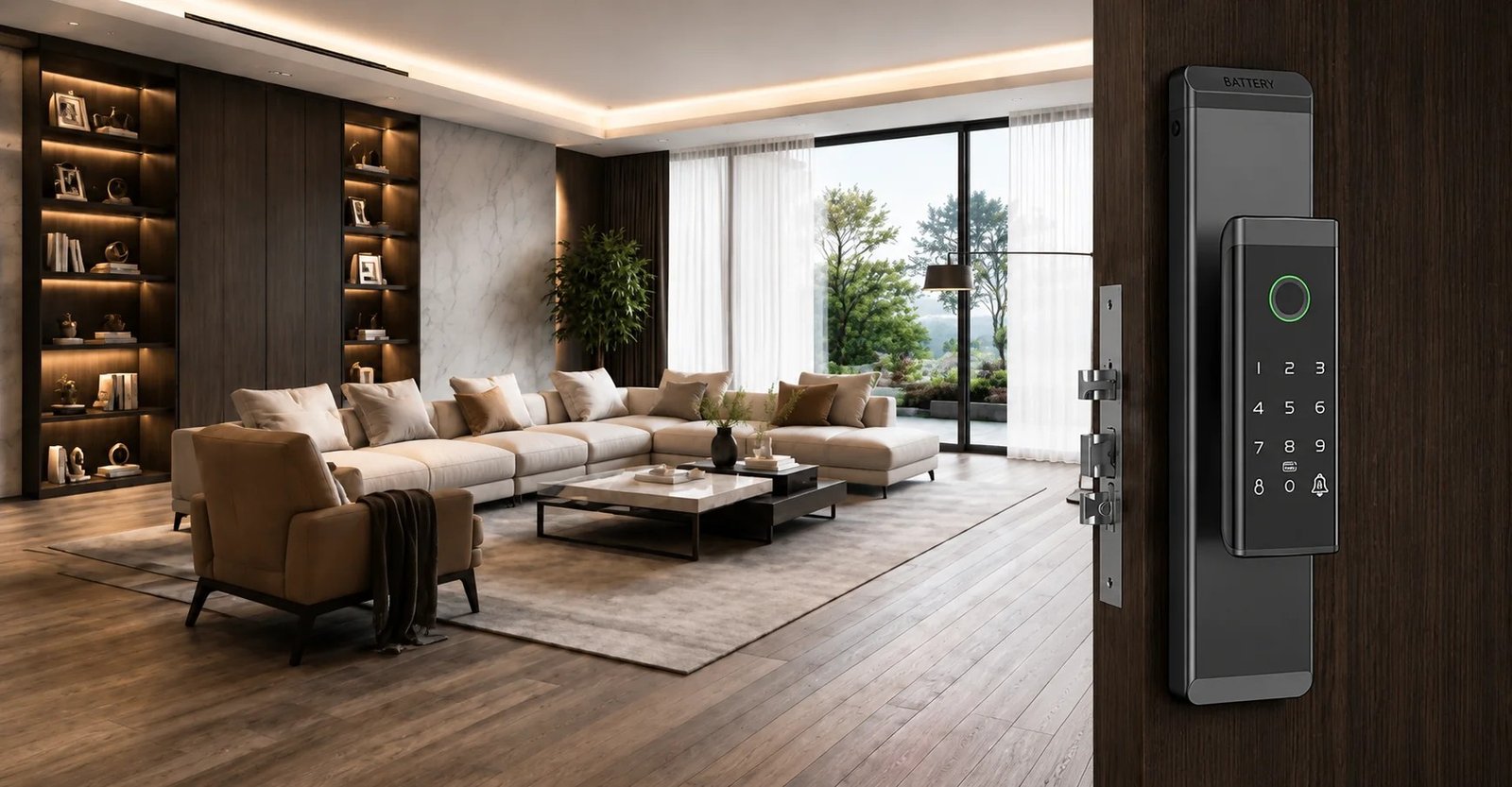
Fingerprint locks store biometric templates for recurring users. After enrollment, a registered finger unlocks the door in about a second—no card to lose, no code to share. That is why they shine in apartments, offices, owner suites, and staff-only doors where the same people enter daily.
Most commercial fingerprint models are multi-mode: fingerprint + password + card + app (or mechanical key). Biometrics become the primary unlock for convenience; other modes stay as backup for guests, temporary workers, or sensor issues.
Enrollment quality matters. Dry fingers, wet hands, gloves, and scratched sensors all raise false-reject rates. For project buyers, that means you should test recognition with real users and real corridor lighting—not only in a showroom demo.
- Best for: long-stay or frequent users who hate carrying cards
- Ops dependency: clean enrollment process and occasional sensor cleaning
- Common unlock mix: fingerprint + password/card backup
- Strength: daily convenience, no consumable cards for fixed users
3. Side-by-Side Comparison
Use this table as a first filter. If your project fails on even one “must-have” row, do not force that lock type into guest rooms or staff doors.
| Feature | Hotel Smart Lock | Fingerprint Lock |
|---|---|---|
| Primary user | Short-stay guests + staff | Residents, staff, frequent users |
| Credential change | Very fast at checkout / re-encode | Manual enroll / delete users |
| Guest experience | Card or code at arrival | Touch to open (after enrollment) |
| Access revoke | Expiry, void, or re-encode | Delete fingerprint / disable user |
| Front-desk fit | Strong—built for PMS/encoder flow | Weak for high daily turnover |
| Privacy / biometric data | Usually no biometric storage | Stores templates on lock or gateway |
| Typical projects | Hotels, hostels, serviced apartments | Homes, offices, interior / staff doors |
| Ops risk | Lost cards, encoder downtime | False rejects, sensor dirt, enrollment errors |
| Spare-parts focus | Cards, encoder, batteries, mortise | Sensor module, batteries, mortise |
4. Cost, Ops, and Maintenance
Unit price alone is a poor decision metric. Total cost of ownership depends on consumables, labor, and how often access must change.
Hotel smart locks usually need an encoder (or cloud/PMS connection), card stock, and front-desk training. Cards get lost and re-encoded; that is expected operating cost, not a failure. Battery replacement is predictable if you standardize one series and track low-power alerts.
Fingerprint locks cut card consumables for fixed users, but they shift cost into enrollment time and occasional sensor maintenance. If you try to enroll every short-stay hotel guest, labor and complaint rate rise quickly—especially at peak check-in.
For mixed buildings, the cheaper path is often two lock types with shared finishes and mortise standards—not one “do everything” SKU forced into every door.
- Hotel lock TCO drivers: cards, encoder uptime, front-desk labor, spare locks by finish
- Fingerprint lock TCO drivers: enrollment labor, sensor reliability, multi-mode backups, spare sensor modules
- Shared cost items: batteries, mortise compatibility, installation quality, after-sales response time
5. Which Fits Which Project?
Choose hotel smart locks when rooms turn over daily, front-desk control is required, and you need time-limited guest credentials with clear staff hierarchy. Full-service hotels, hostels with high occupancy, and most standard guest-room corridors fall here.
Choose fingerprint locks when users are stable and daily convenience matters most—apartments, office suites, back-of-house staff doors, owner residences inside a hotel, or long-stay apartments where the same residents return every day.
Mixed projects are common—and often best. Put hotel electronic locks on guest rooms; put fingerprint or password locks on offices, meeting rooms, and owner suites. Keep finishes matched so corridors still look like one hardware package.
- City hotel / resort guest rooms: hotel card (or card + password) locks
- Serviced apartments: hotel locks for short stays; fingerprint for long-stay units if management enrolls residents once
- Boutique / Airbnb-style: password or multi-mode locks for remote check-in; fingerprint only if guests are repeat locals
- Office / staff doors inside a hotel: fingerprint or password locks with audit logs
- Residential towers + hotel podium: split by door type—do not force one unlock method across all user journeys
6. Common Buying Mistakes
These are the issues we see most often when projects select locks by feature marketing instead of site process.
- Putting fingerprint locks on every hotel guest room. High turnover makes enrollment and delete work painful, and guests expect a card or code at check-in.
- Buying hotel locks without confirming encoder / software fit. If the front desk cannot issue and void credentials smoothly, the lock hardware does not matter.
- Ignoring door thickness, handing, and mortise type. Sampling before measuring doors creates remakes and delayed openings.
- No backup unlock plan. Every project needs mechanical key override or emergency open procedures for dead batteries and network issues.
- Skipping finish and series standardization. Mixing too many families increases spare-part chaos for engineering teams.
- Not testing biometrics on site. Showroom success does not equal corridor success with dry winter fingers or dusty sensors.
7. Buying Checklist
- Map each door type to a user journey: guest room, staff door, owner suite, office, common area.
- Confirm door thickness, handing, and mortise type before sampling.
- Ask for unlock modes, battery life, and low-power alerts in writing.
- For hotel locks: test encoding, expiry, and staff card hierarchy with your real front-desk process.
- For fingerprint locks: test enrollment, false-reject rate, and delete/re-enroll steps with real users.
- Plan mechanical key override and emergency open procedures.
- Match finish to corridor hardware packages and limit SKUs where possible.
- Confirm certifications and after-sales response for your target market.
8. FAQ
Are fingerprint locks good for hotel guest rooms?
Usually no for high-turnover guest rooms. Enrollment and delete work do not scale well at peak check-in. Hotel card or card + password locks fit short-stay rooms better.
Can one project use both hotel locks and fingerprint locks?
Yes. Many mixed buildings put hotel locks on guest rooms and fingerprint or password locks on staff doors, offices, and owner suites—while matching finishes.
What matters more than unlock marketing?
Door fit, credential revoke speed, backup unlock, and after-sales spare parts. Wrong mortise or weak front-desk workflow costs more than a cheaper unit price saves.
9. Bottom Line
Hotel smart locks win on turnover control, time-limited credentials, and front-desk operations. Fingerprint locks win on daily convenience for stable users. Neither is universally “more secure” or “more modern”—they are optimized for different access problems.
Start from user type and check-in flow, then choose unlock modes and hardware around that workflow. For many commercial projects, the right answer is a split system with one visual language: hotel locks where guests change every night, fingerprint locks where the same people return every day.
Browse hotel electronic locks and fingerprint locks, or contact us with door drawings and room counts—we can help you split SKUs by door type before you sample.